
CNShopper Spreadsheet
Good finds start with a closer look.
Sneakers, clothing, accessories. A name or a photo is all you need.
What are you looking for?
More to discover
Browse the full spreadsheet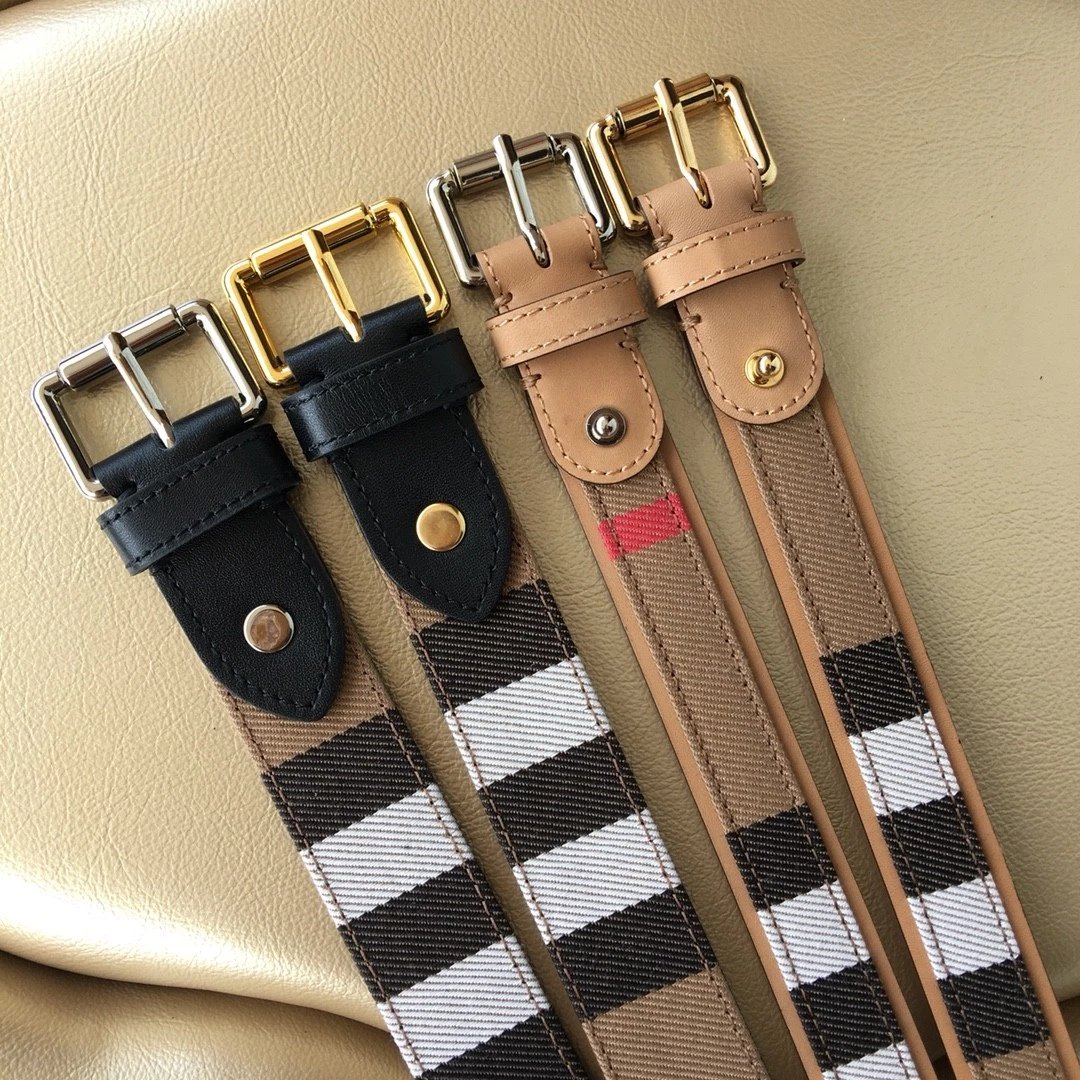
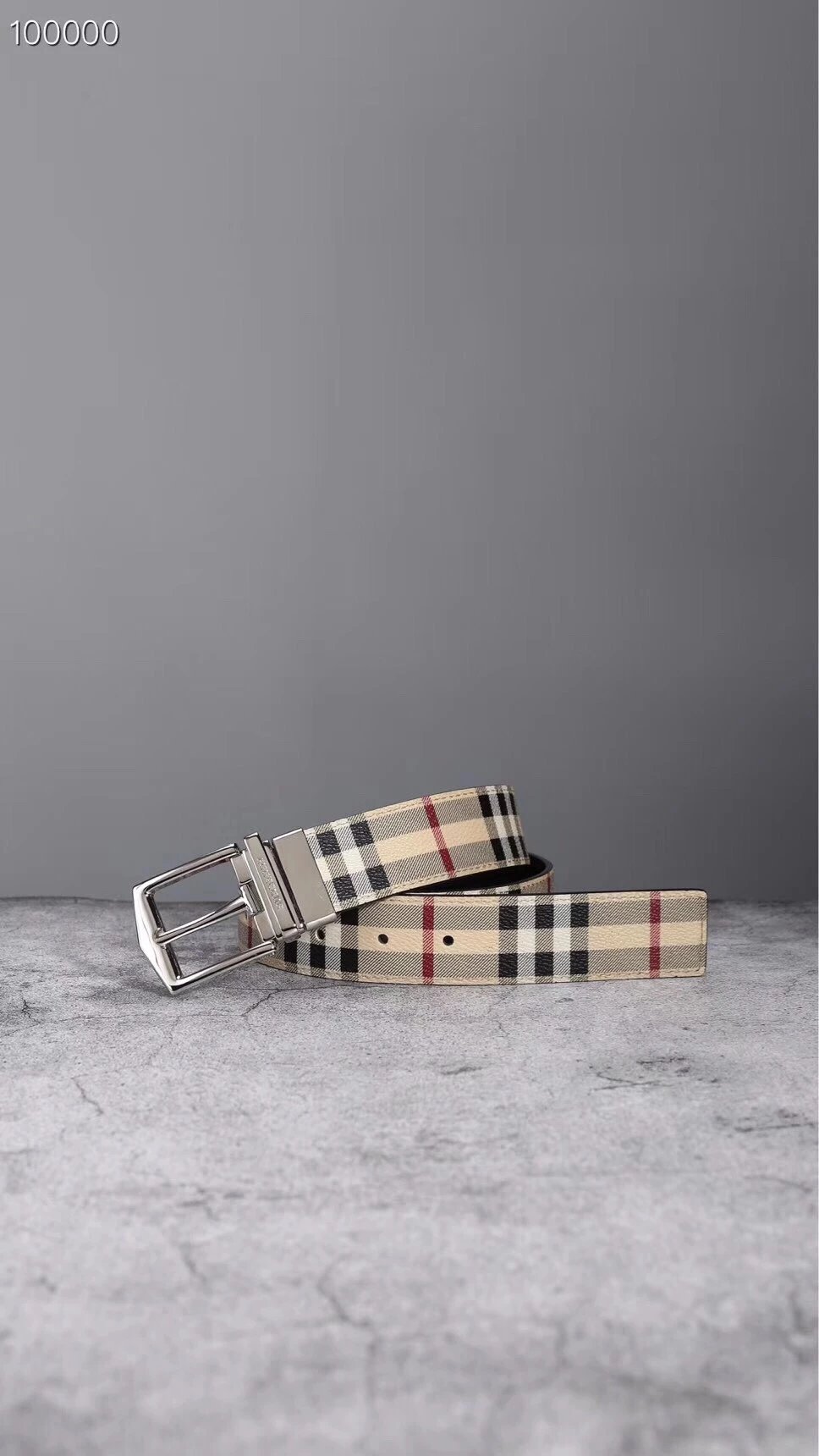
Burberry Check Pattern Belt
$58.72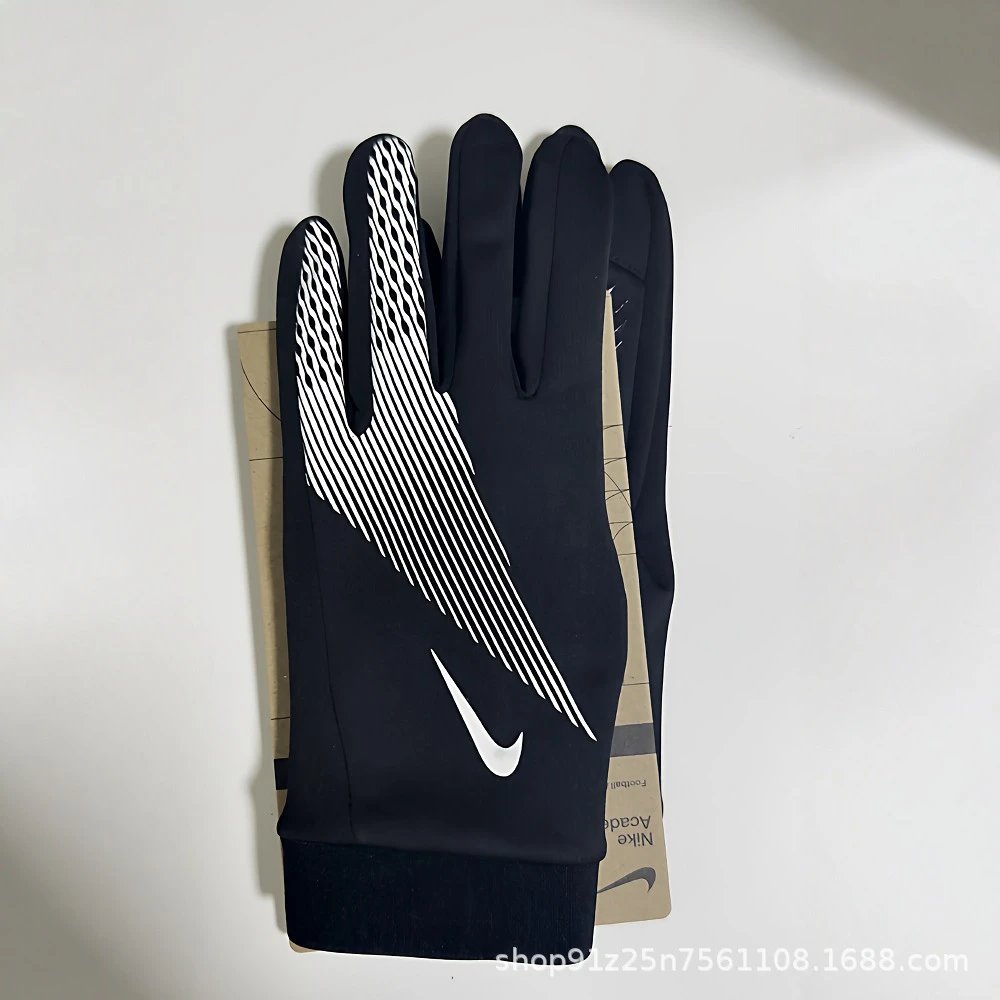
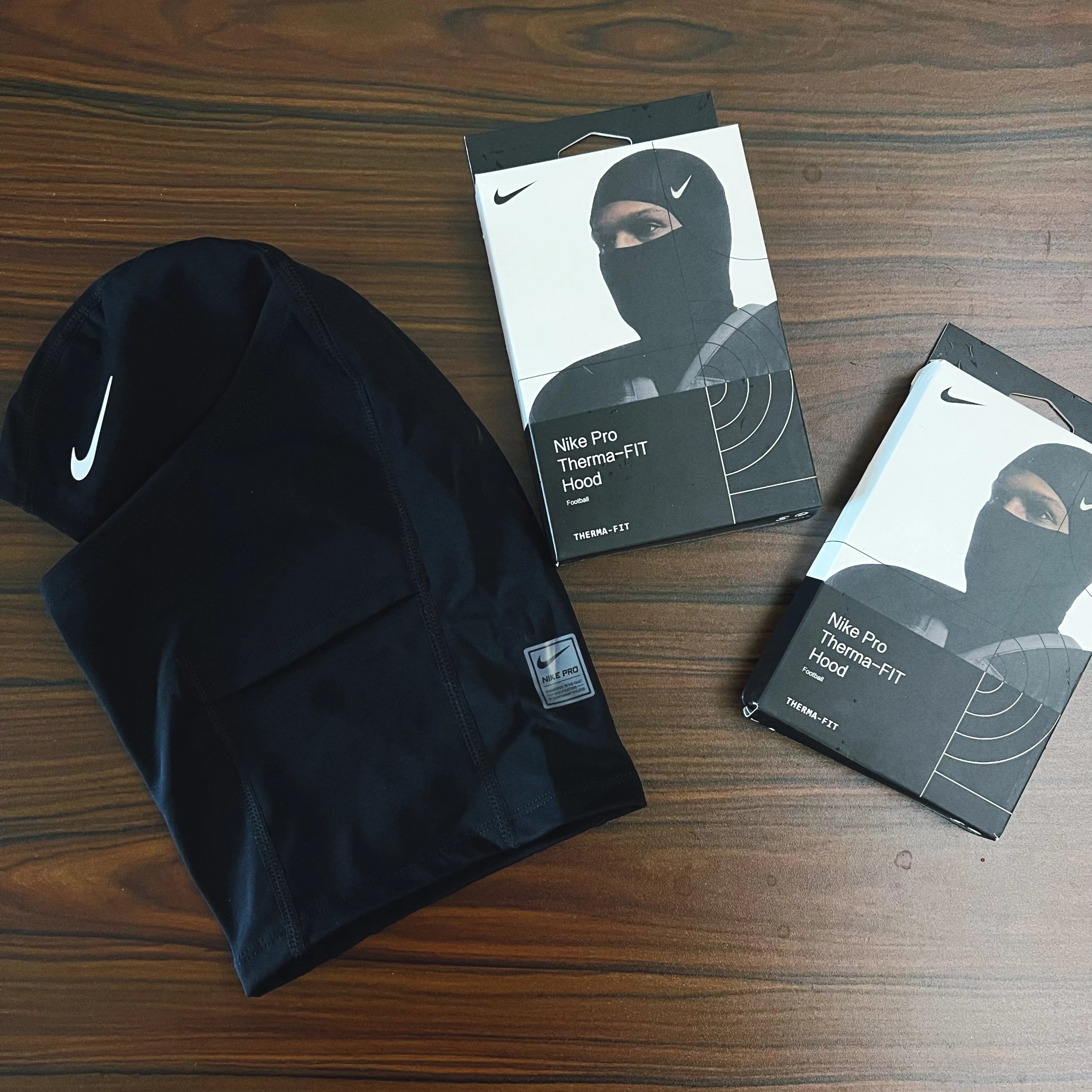
Black Nike Football Gloves
$7.53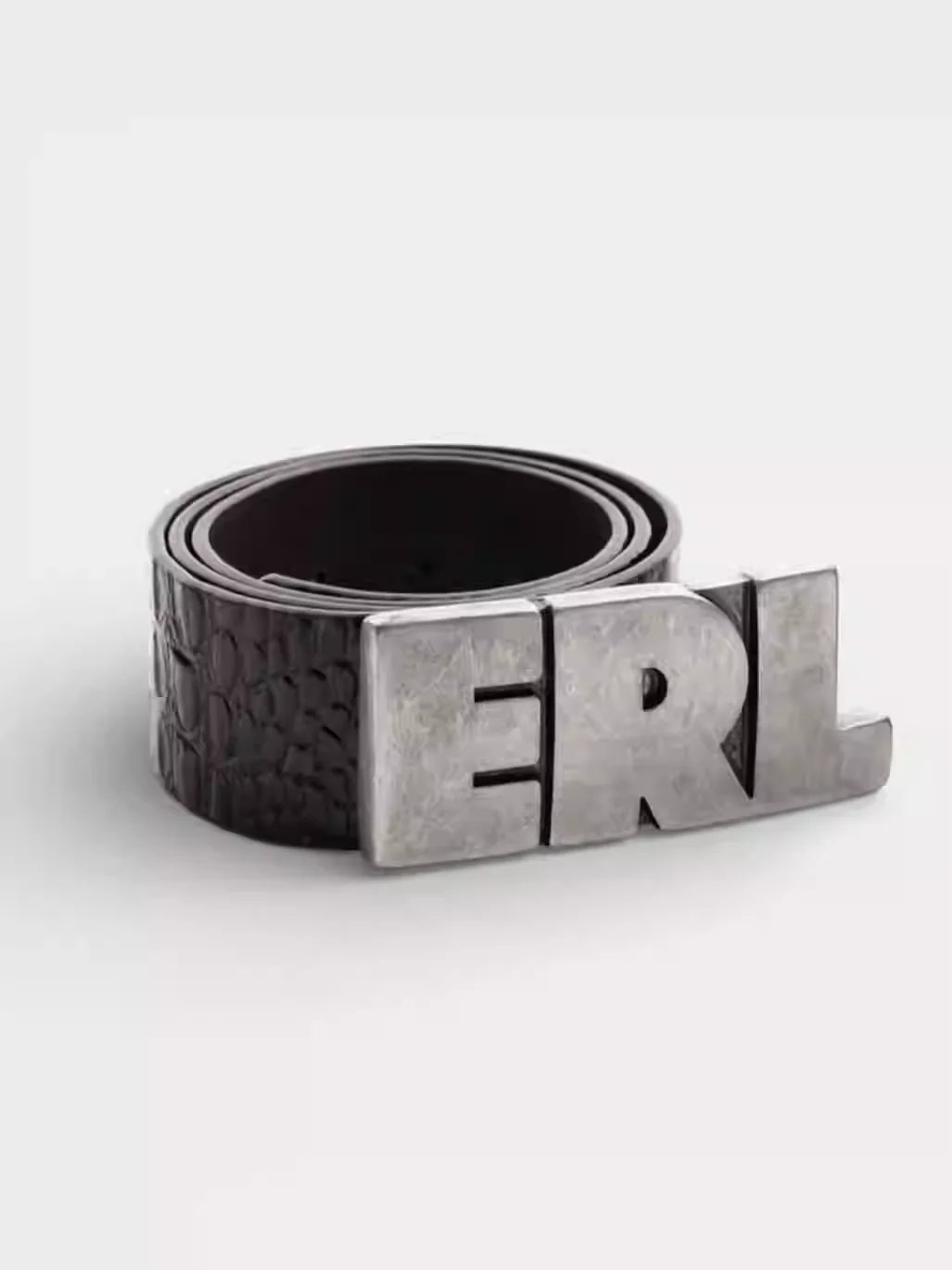
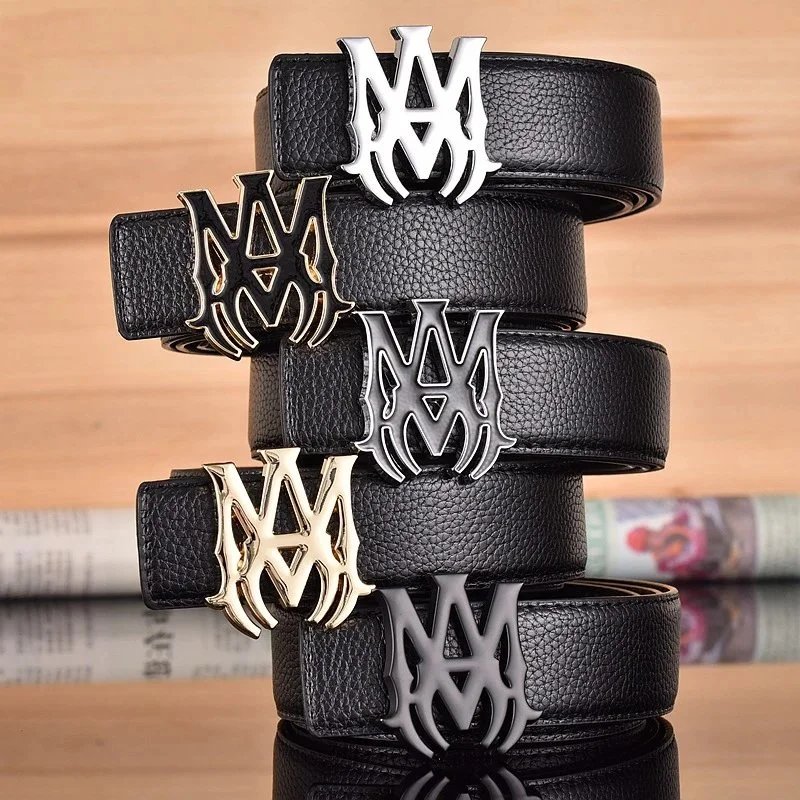
Black Crocodile Texture Belt with ERL Buckle
$53.57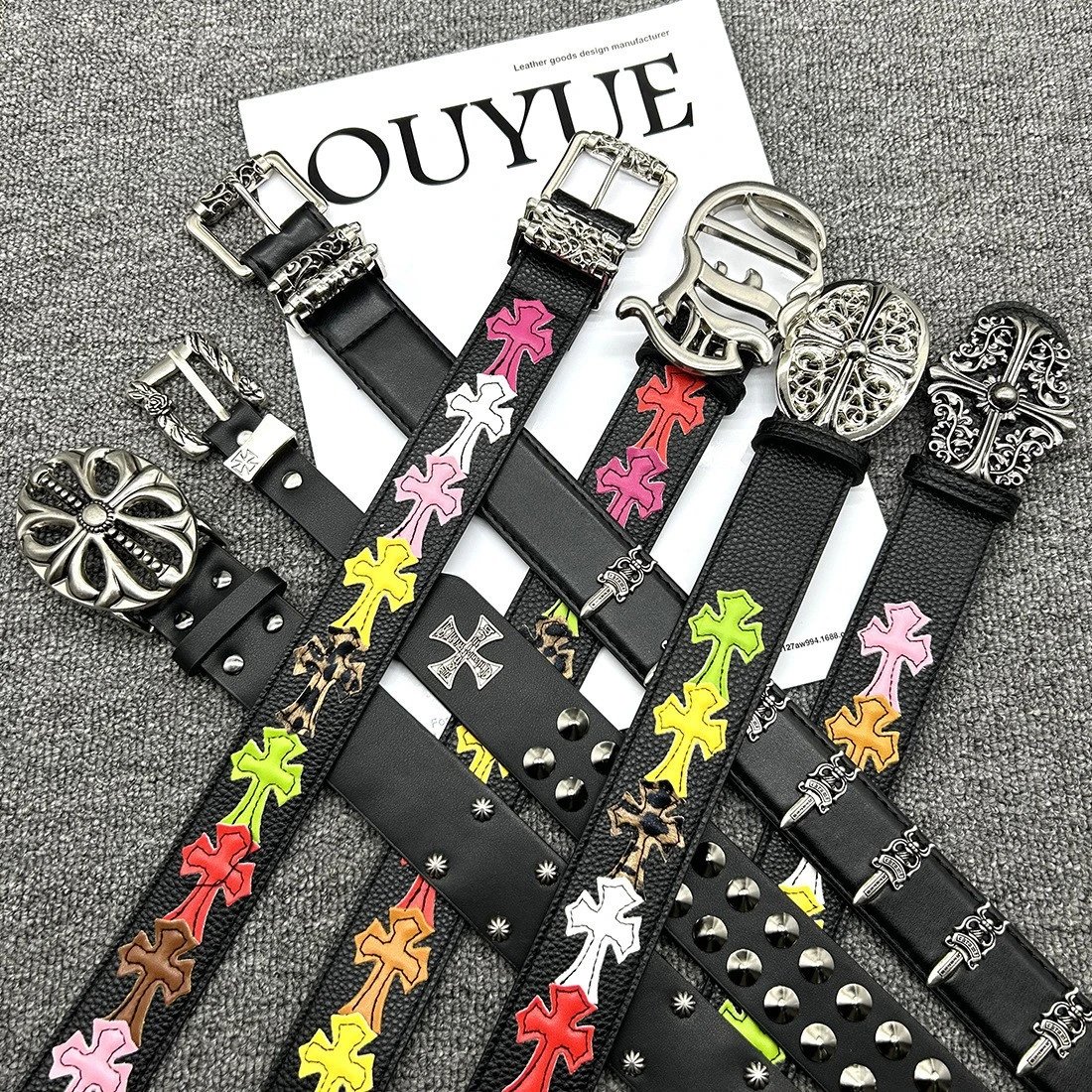
Cross Embellished Leather Belts
$15.29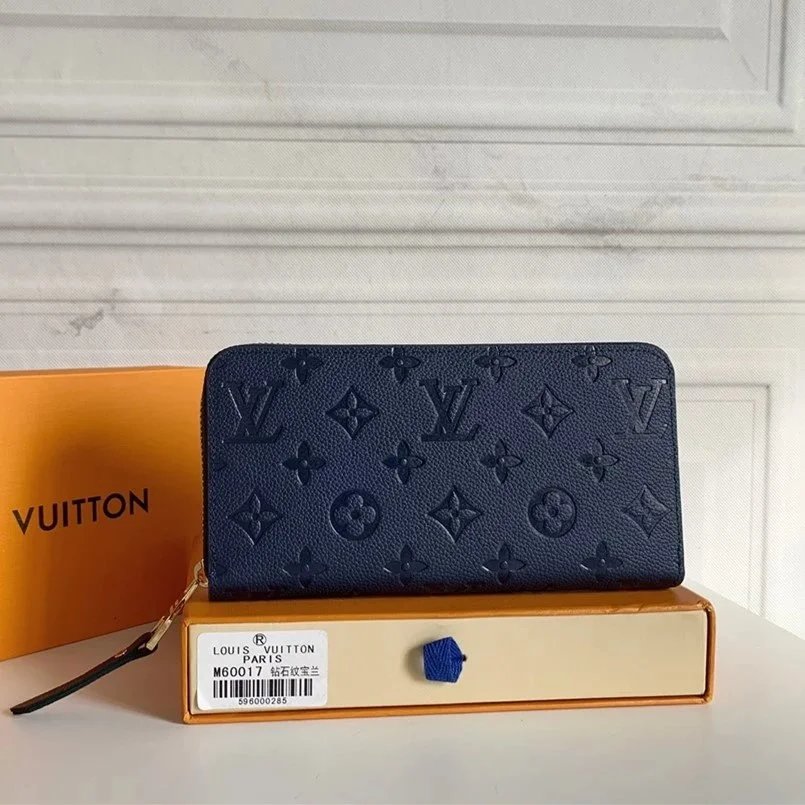
Louis Vuitton Monogram Embossed Wallet
$28.58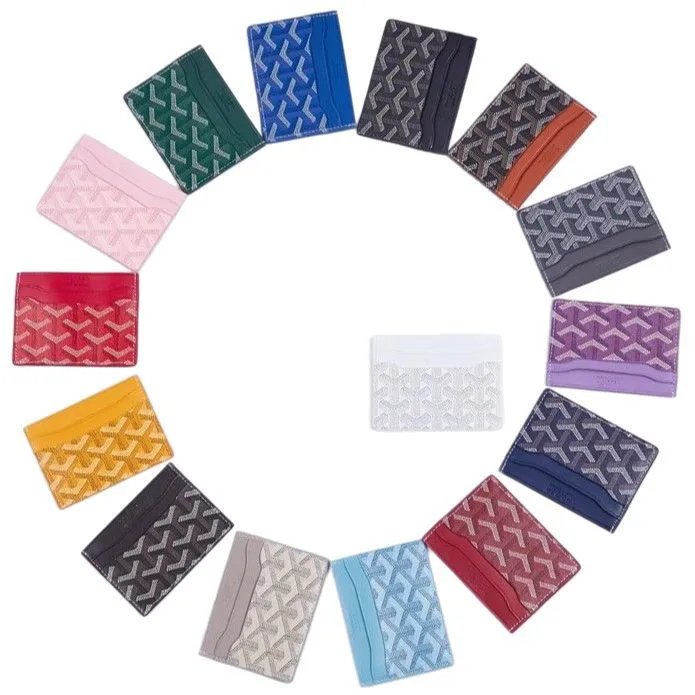
Goyard Card Holder Wallet
$8.64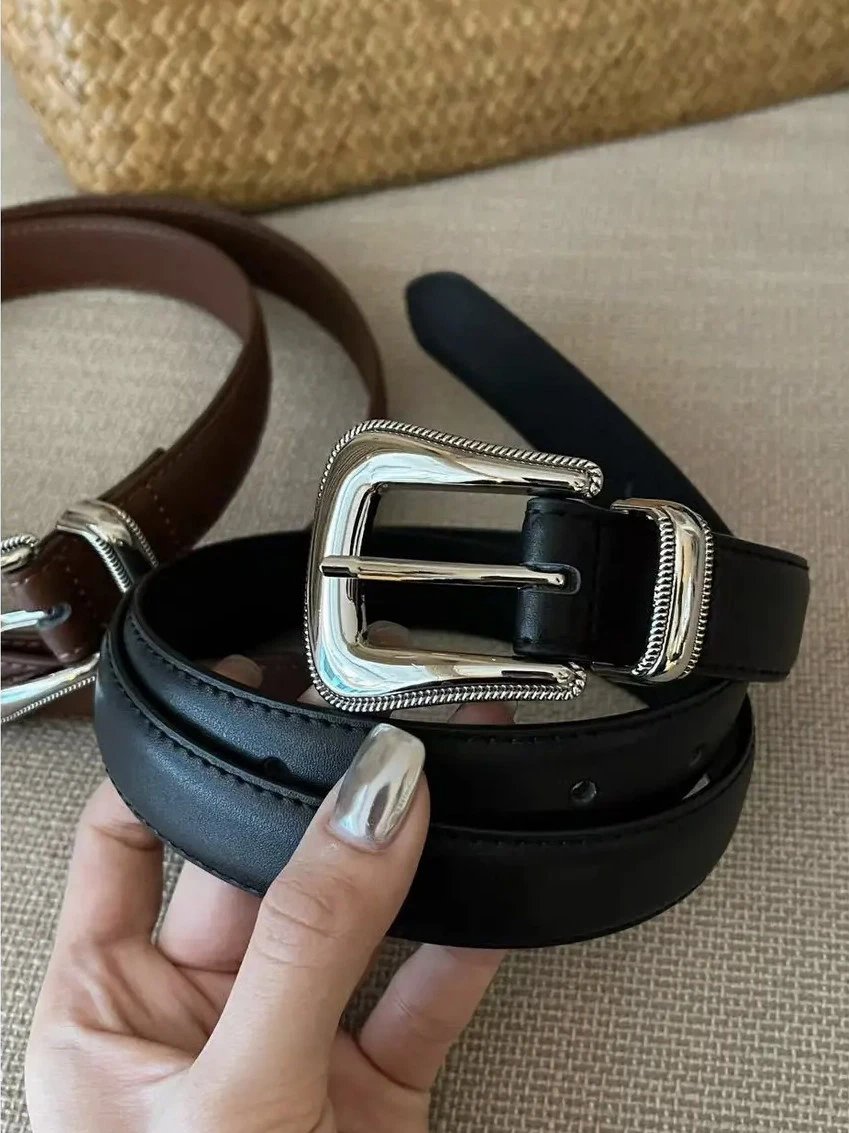
Black Leather Belt with Silver Buckle
$17.69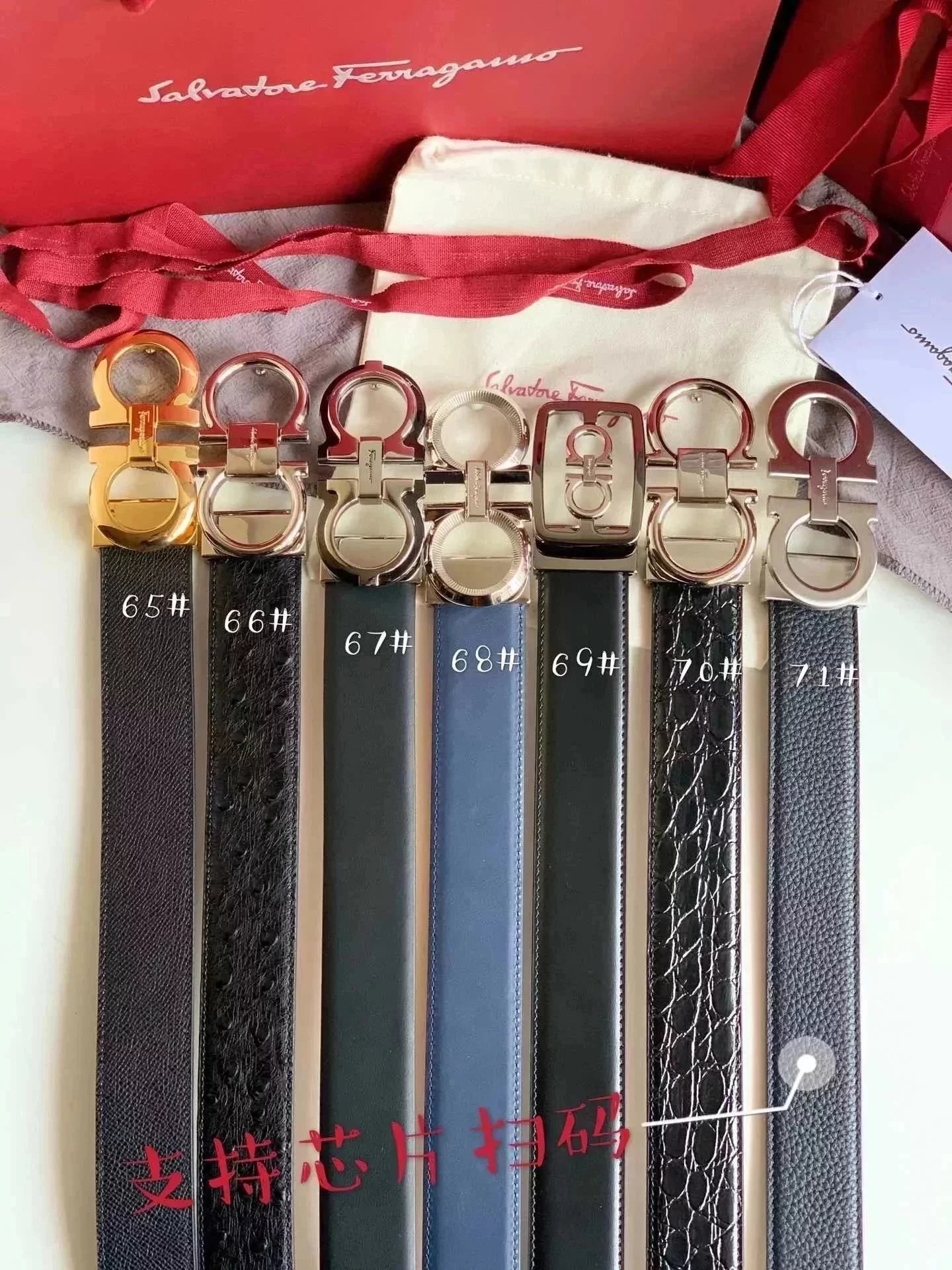
Ferragamo Men's Leather Belts
$54.95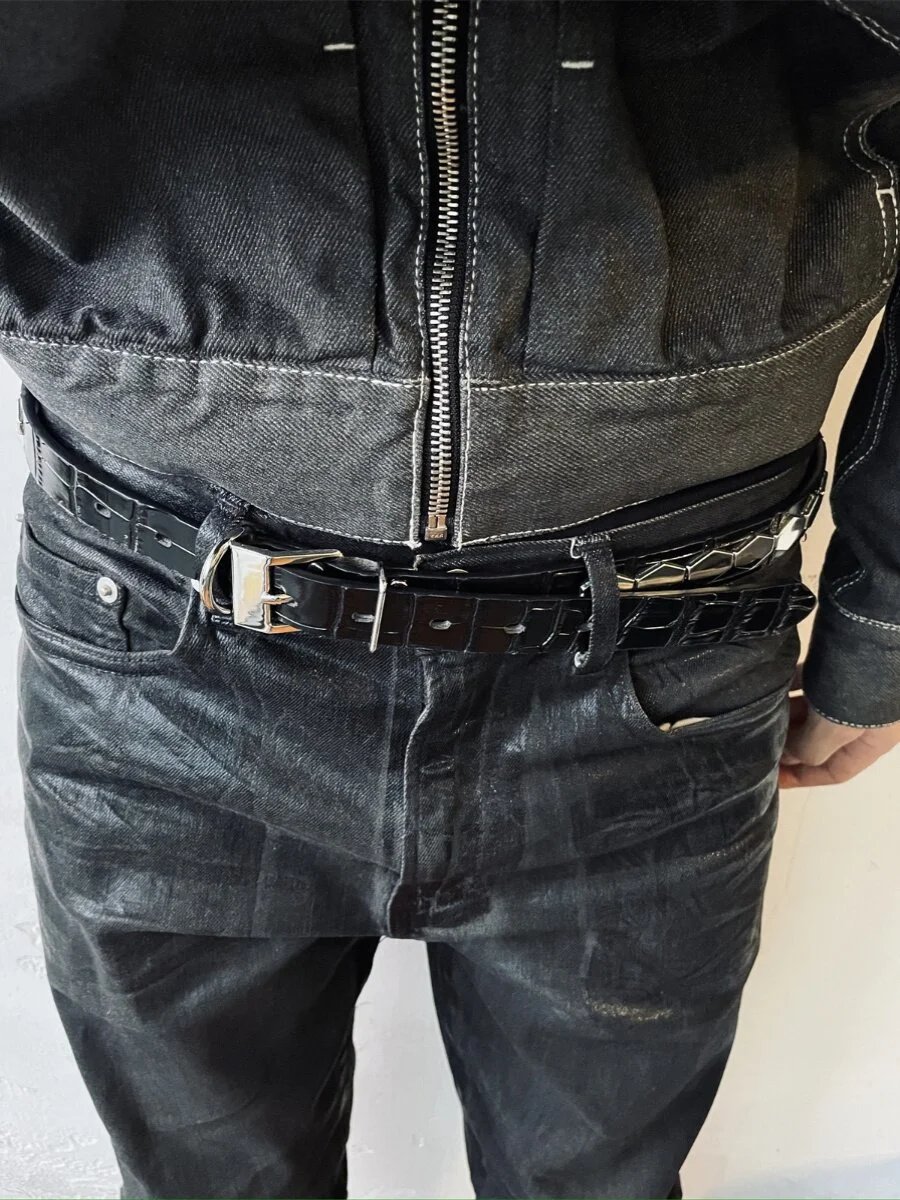
Black Leather Belt with Silver Buckle
$63.79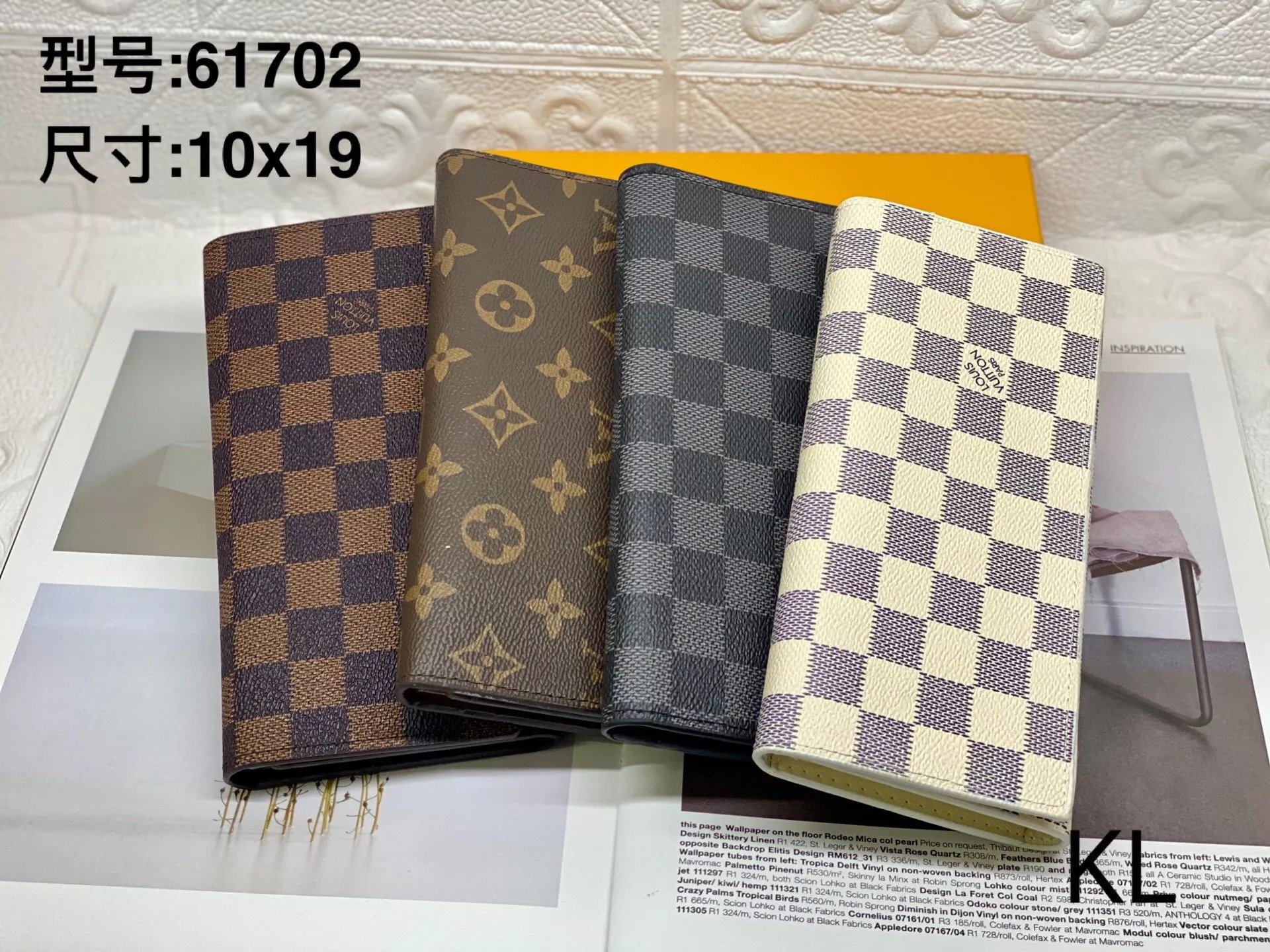
Louis Vuitton Checkered Wallet
$13.29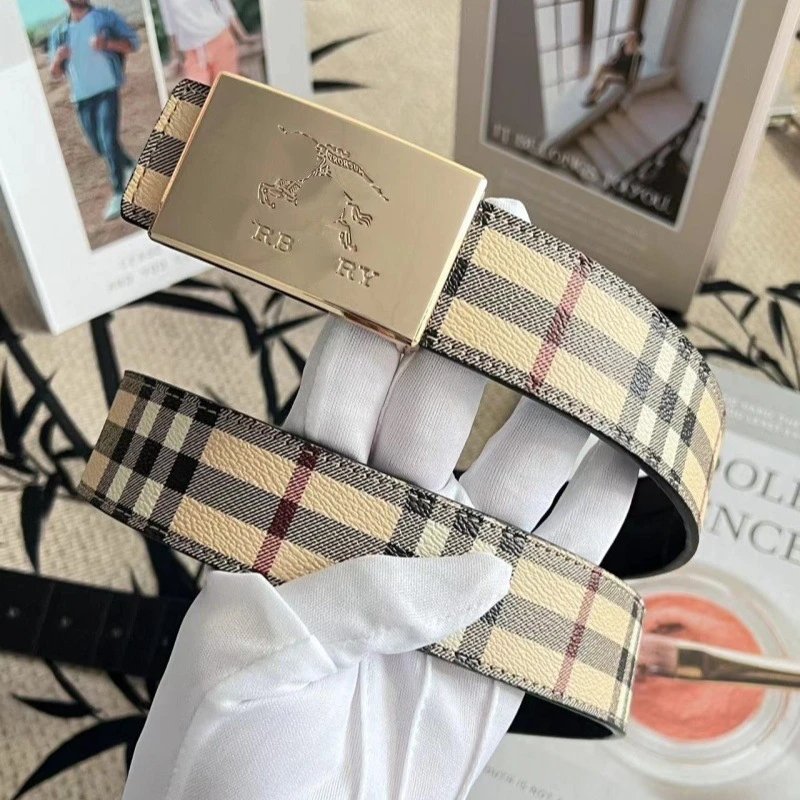
Burberry Checkered Belt
$5.54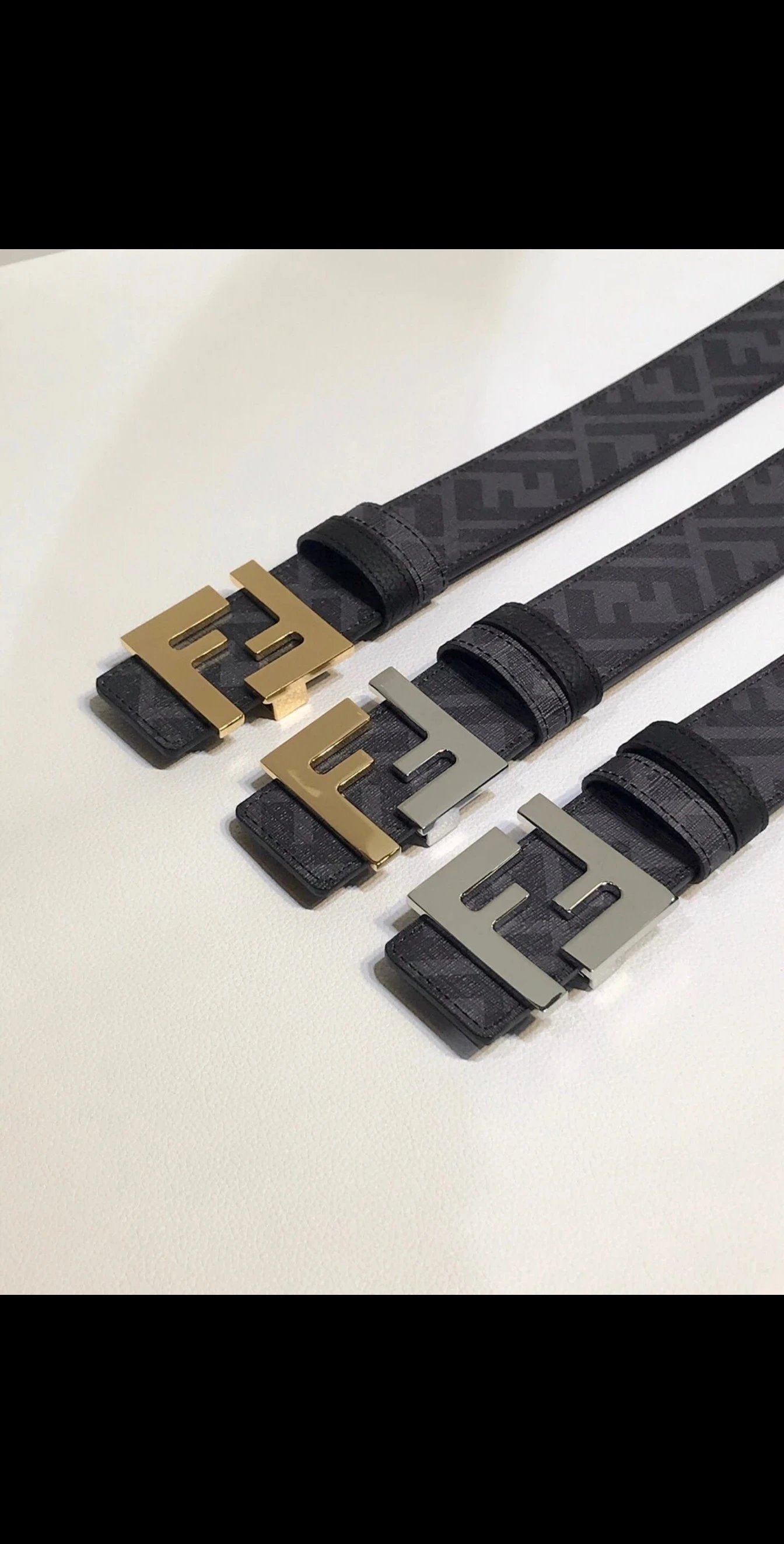
Fendi Logo Belt
$60.93
Burberry Check Pattern Scarves
$23.89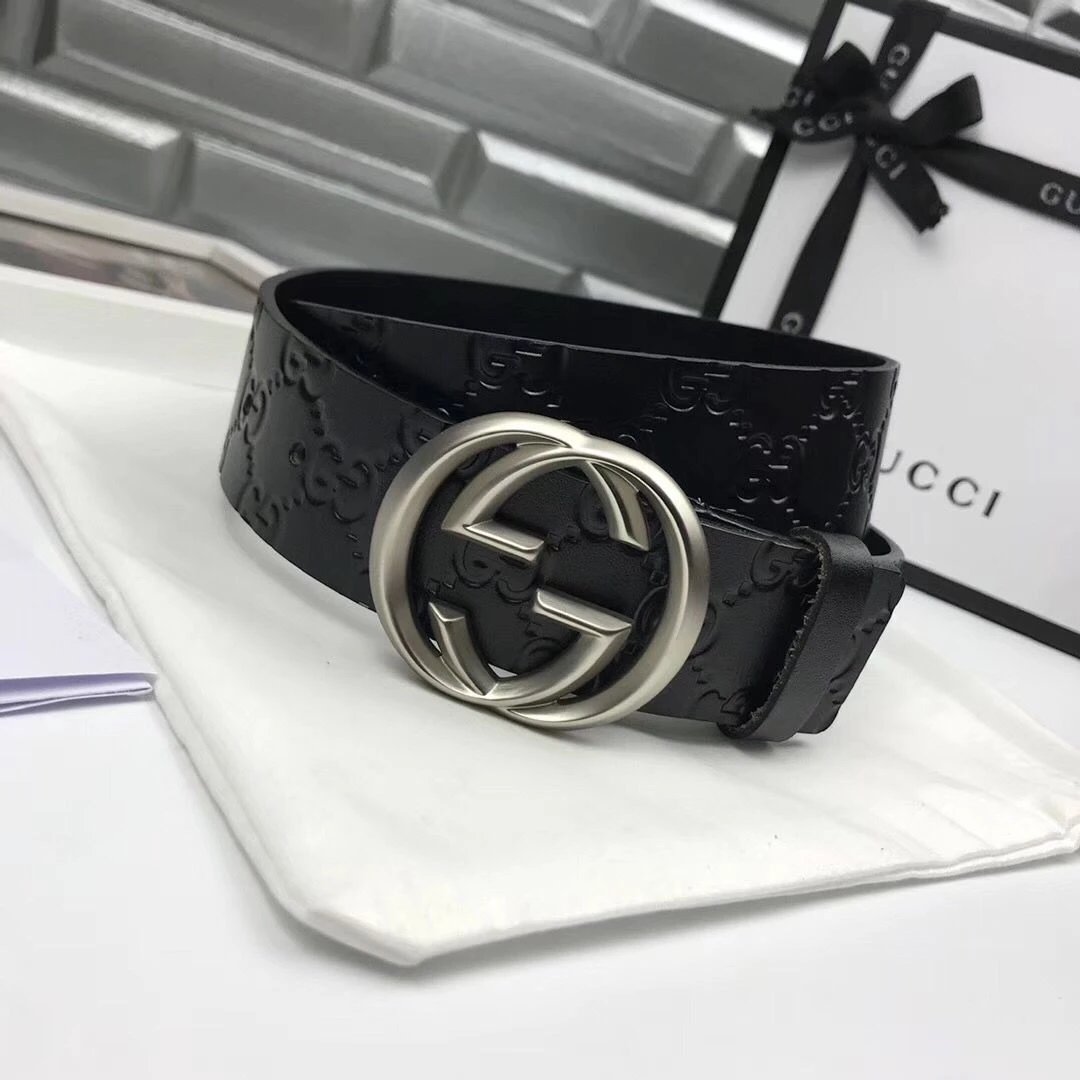
Black Leather Belt with Interlocking G Buckle
$43.21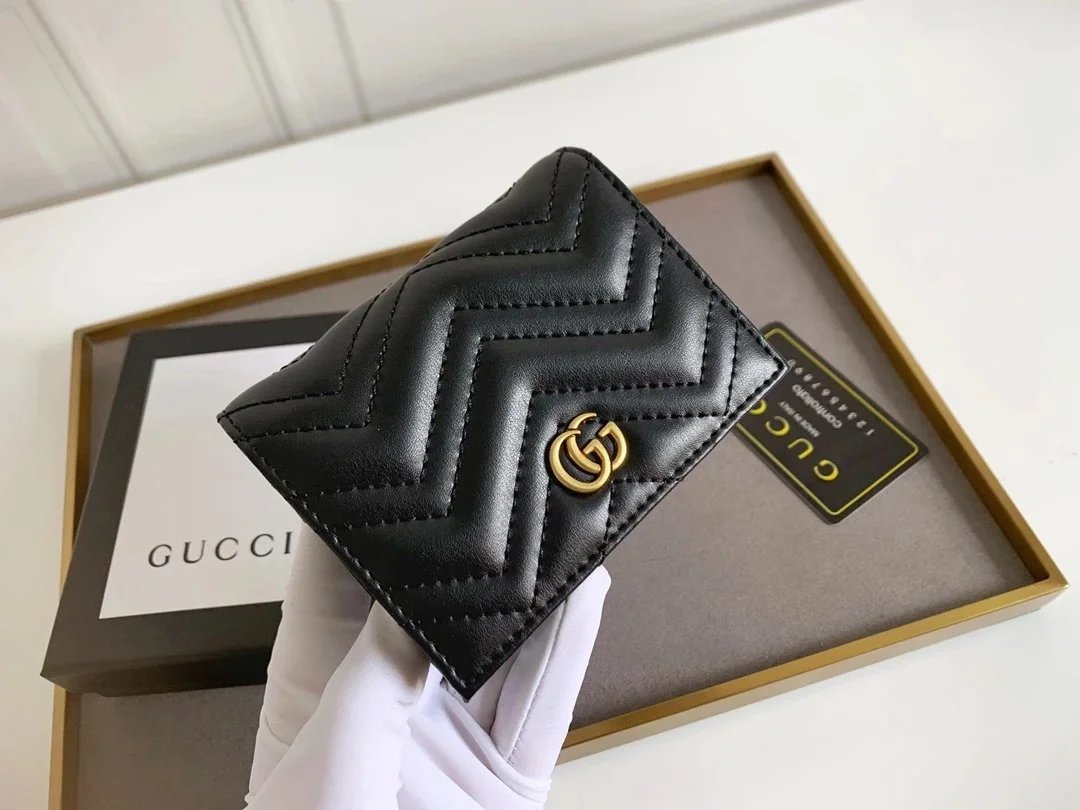
Black Leather Wallet with Chevron Pattern
$27.70A little context for your next find
Find the piece, inspect the details, keep the link. The CNShopper spreadsheet brings shoes, clothing and accessories into one searchable photo directory.
What is a CNShopper spreadsheet?
A way to browse product links without working through a sheet of URLs. This directory pairs searchable names and categories with photos, reference prices, pictured styles and available QC.
Can I search without knowing the product name?
Yes. Image search starts with a photo and returns visually related finds. Cropping to the item can make the reference clearer. Compare the returned photos before deciding whether a result matches.
Where should I start with sneakers?
Use the shoes department, then narrow down to sneakers or another shoe category. Compare the side profile, outsole and heel; similar names can refer to different versions.
How can I explore clothing finds?
Tops, bottoms, outerwear and sets have separate lists. Start with the garment type, then use a brand or a keyword for a closer selection. Seller measurements matter more than how a garment looks on a model.
Are QC photos available for every find?
No. The detail page shows existing QC only when it is available for that product. Missing photos mean there is no QC reference here; they are not a rating of the item.
Are the QC photos from my future order?
They are existing reference photos associated with the listing. They can show angles absent from seller images, but they do not replace inspection of your own order or establish authenticity.
What happens when I select a style image?
The main photo changes so you can inspect that pictured option. This does not add an item to a cart or select a size. Confirm the exact option on CNShopper.
Why are prices shown in dollars?
USD is the starting display currency. The currency menu converts the reference price using the available exchange rate. The amount and availability on the destination product page should be checked before ordering.
How do CNShopper product links work?
Supported Weidian items open CNShopper with the original numeric product ID and the Weidian source selected. Our invite code stays in the link. A link is not a guarantee that the platform can purchase an item.
Can I keep the original product link?
The copy button on supported detail pages copies the Weidian source link. It is useful for checking the original listing or saving the exact item reference.
Is this CNShopper’s official shop?
No. CNShopper Lists is an independent directory. Registration and purchasing happen on CNShopper. Outgoing referral links may earn us a commission.
What should I check if a product no longer opens?
Return to the source link and check the item ID, current options and availability. Seller listings can change. Try another find or contact CNShopper about whether the item can be purchased.